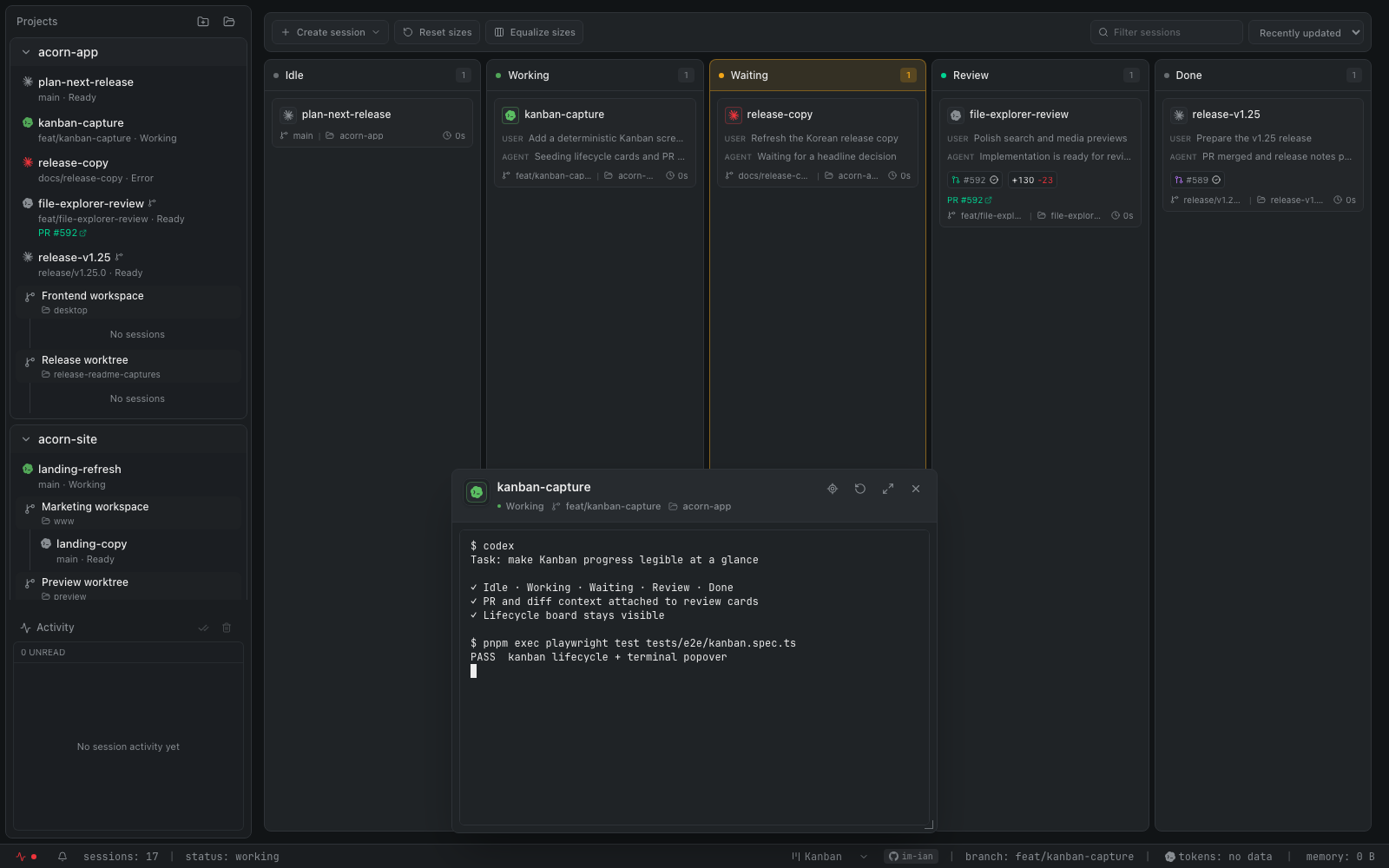
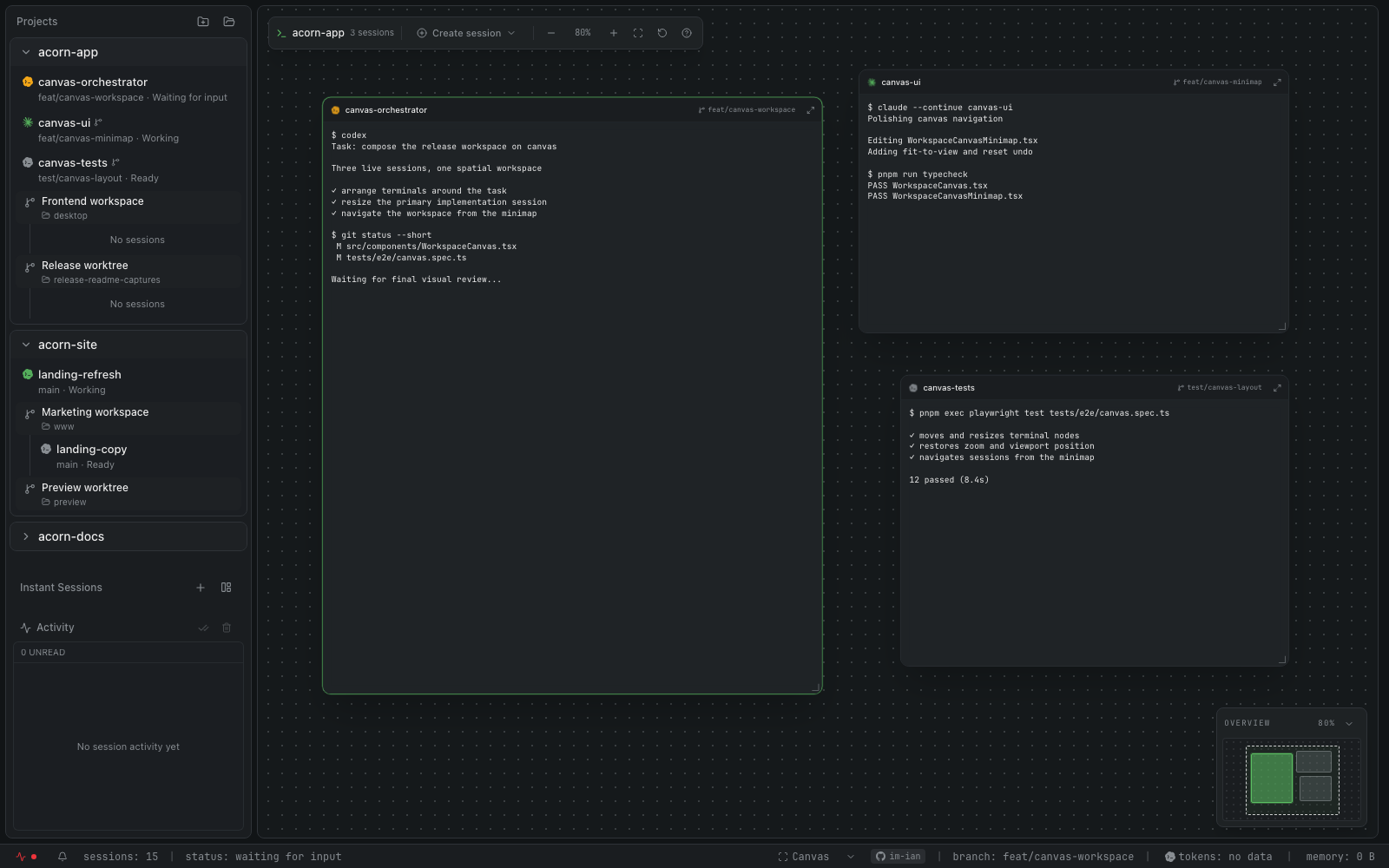
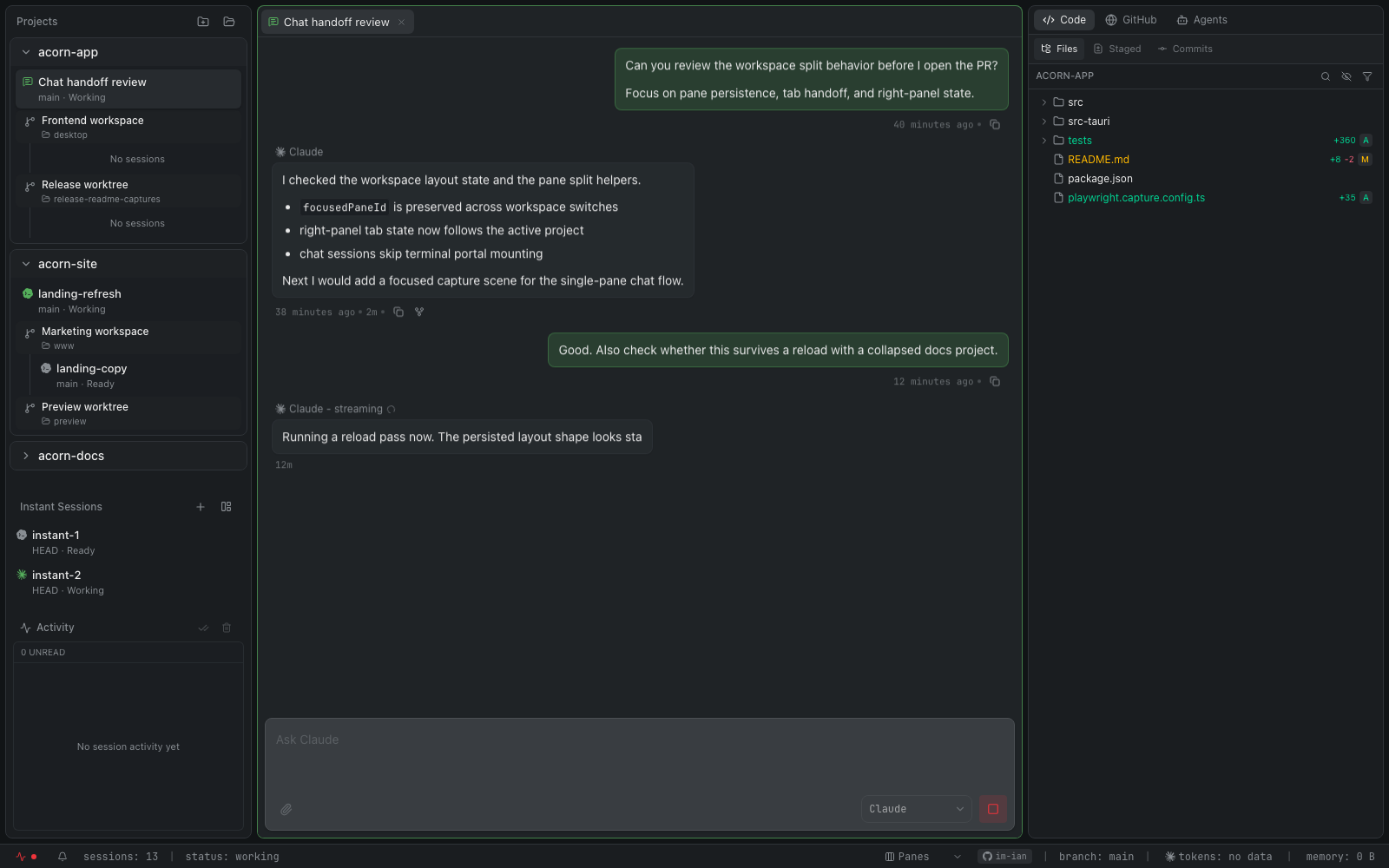
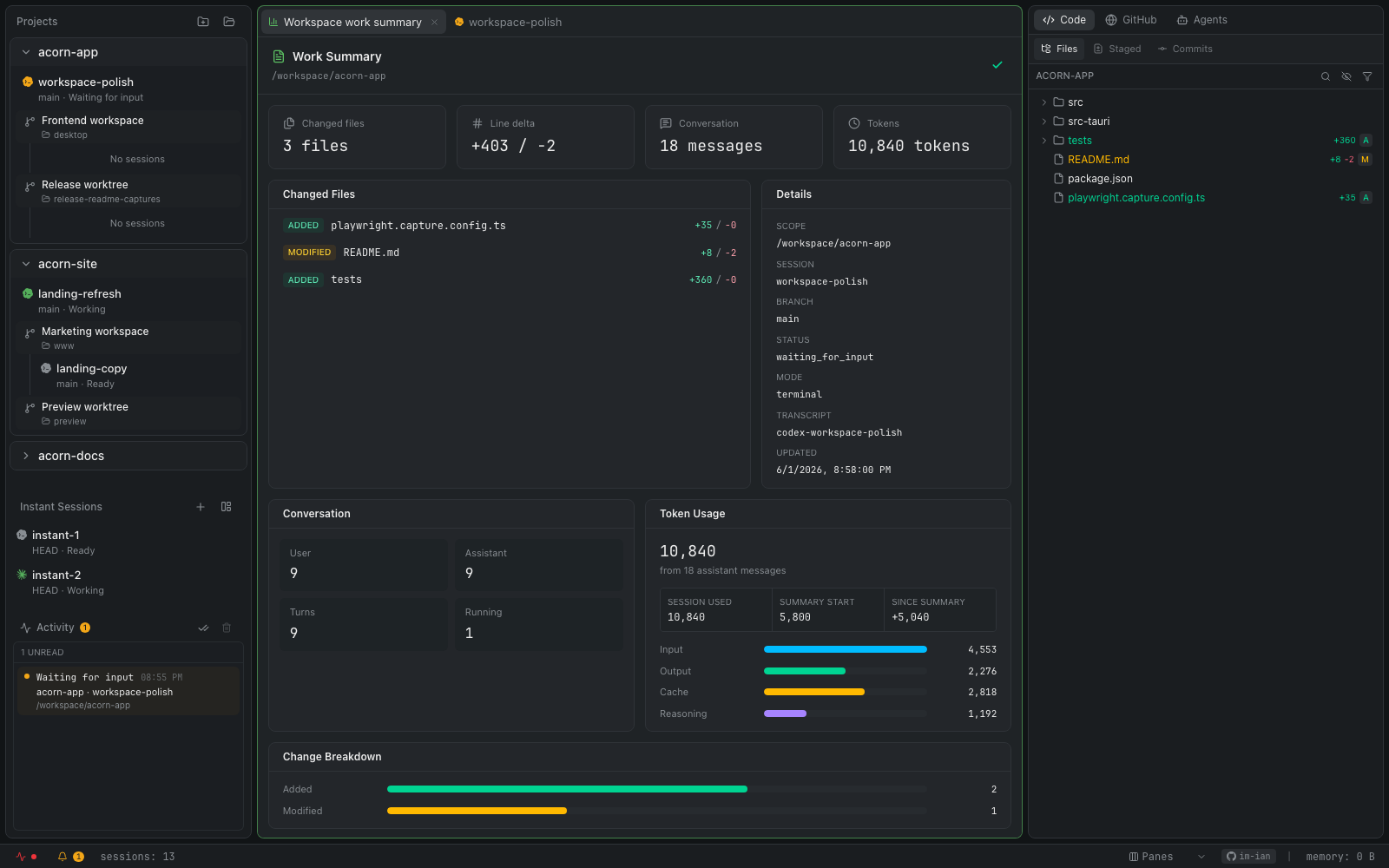
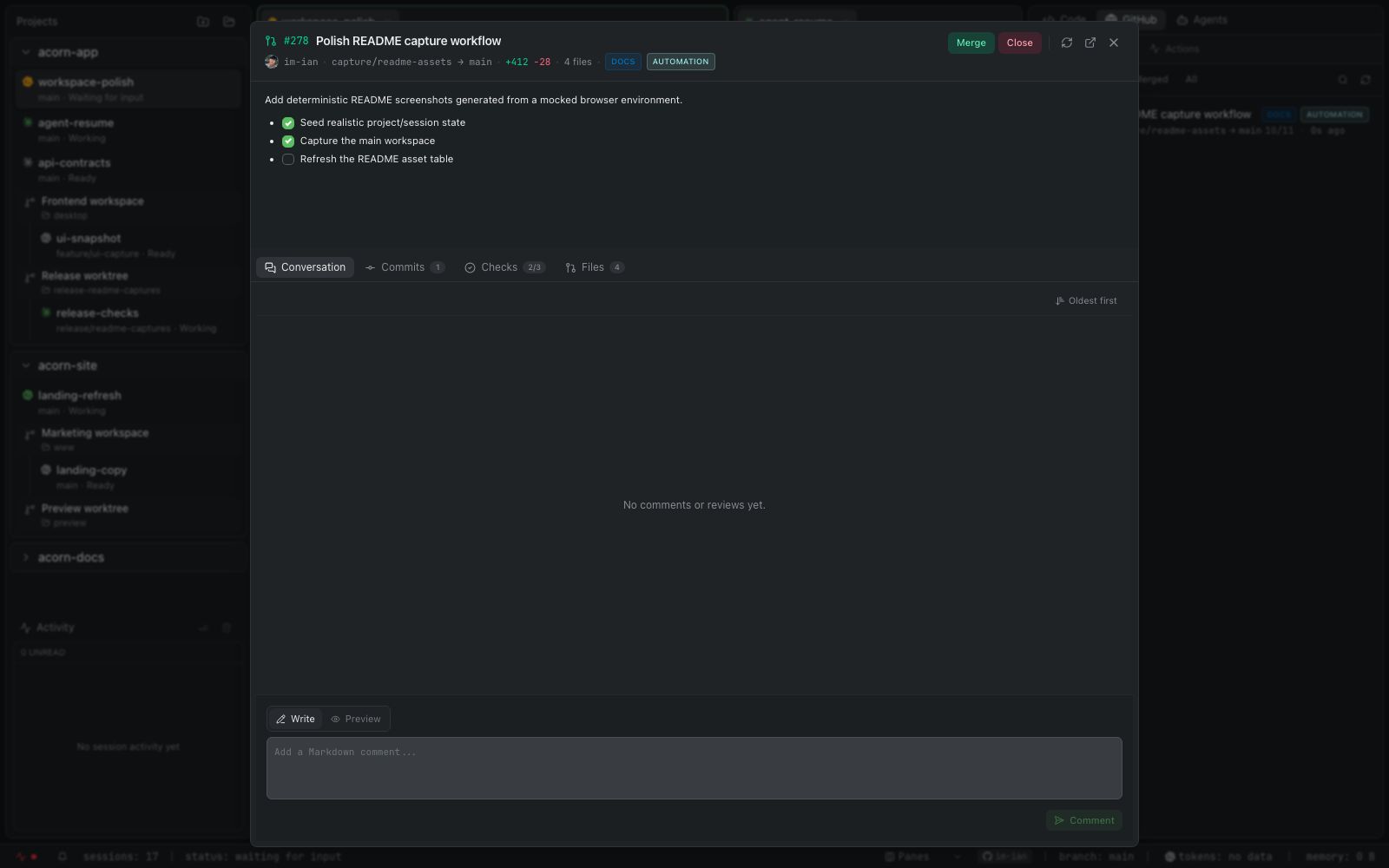
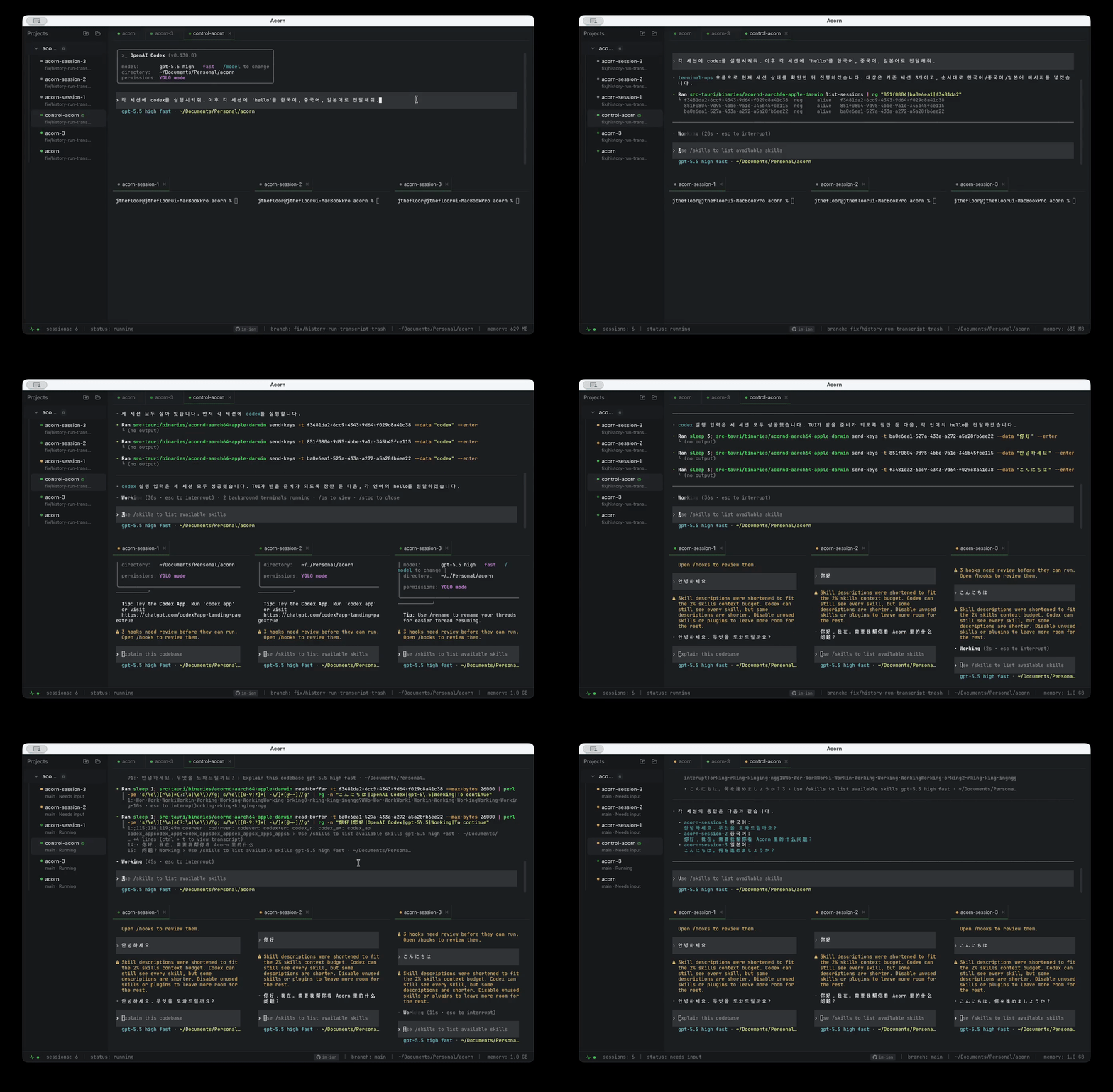
Pane + Kanban + Canvas
Work in split panes, track the lifecycle in Kanban, or arrange live sessions freely on Canvas. Isolated worktrees and work summaries keep each change visible.
Acorn
Better productivity
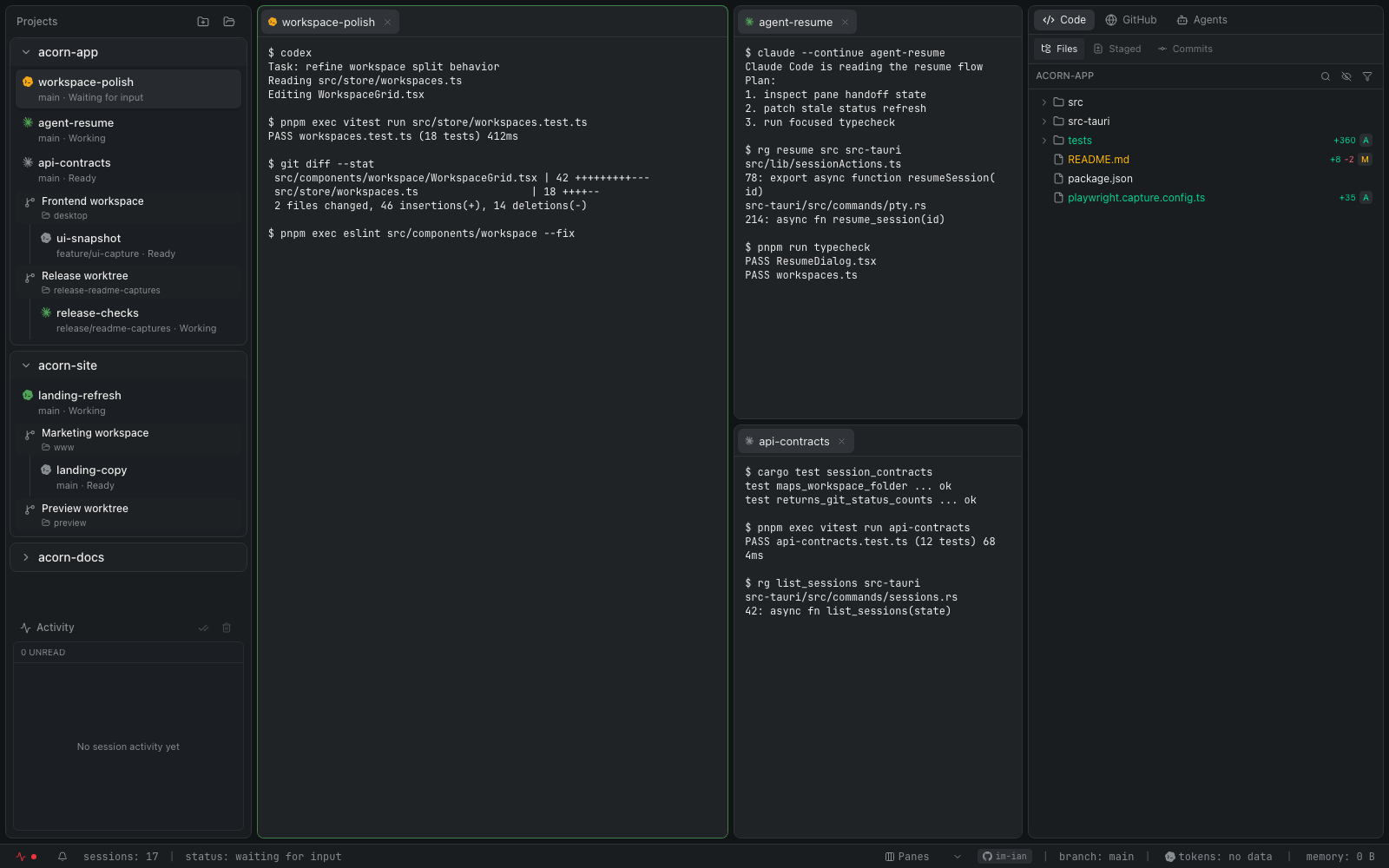
AI is a powerful, useful tool — but decisions and accountability stay with people.
Acorn is designed to connect the two flexibly.
Work in split panes, track the lifecycle in Kanban, or arrange live sessions freely on Canvas. Isolated worktrees and work summaries keep each change visible.
Stream chats with Claude, Codex, and Antigravity, attach files, edit or regenerate turns, and fork from any point into another worktree.
PRs, Actions, checks, and diffs right in the side panel — no jumping to the browser. Merge messages drafted by AI.
Pull the latest release DMG, install it, and strip the quarantine attribute.
curl -fsSL https://raw.githubusercontent.com/im-ian/acorn/main/scripts/install-macos.sh | bash